First Tax Return Australia 2025: Complete Guide
Never lodged a tax return before? This step-by-step guide will walk you through everything you need to know.
IntuitiveCalc Team
Financial Content Specialist
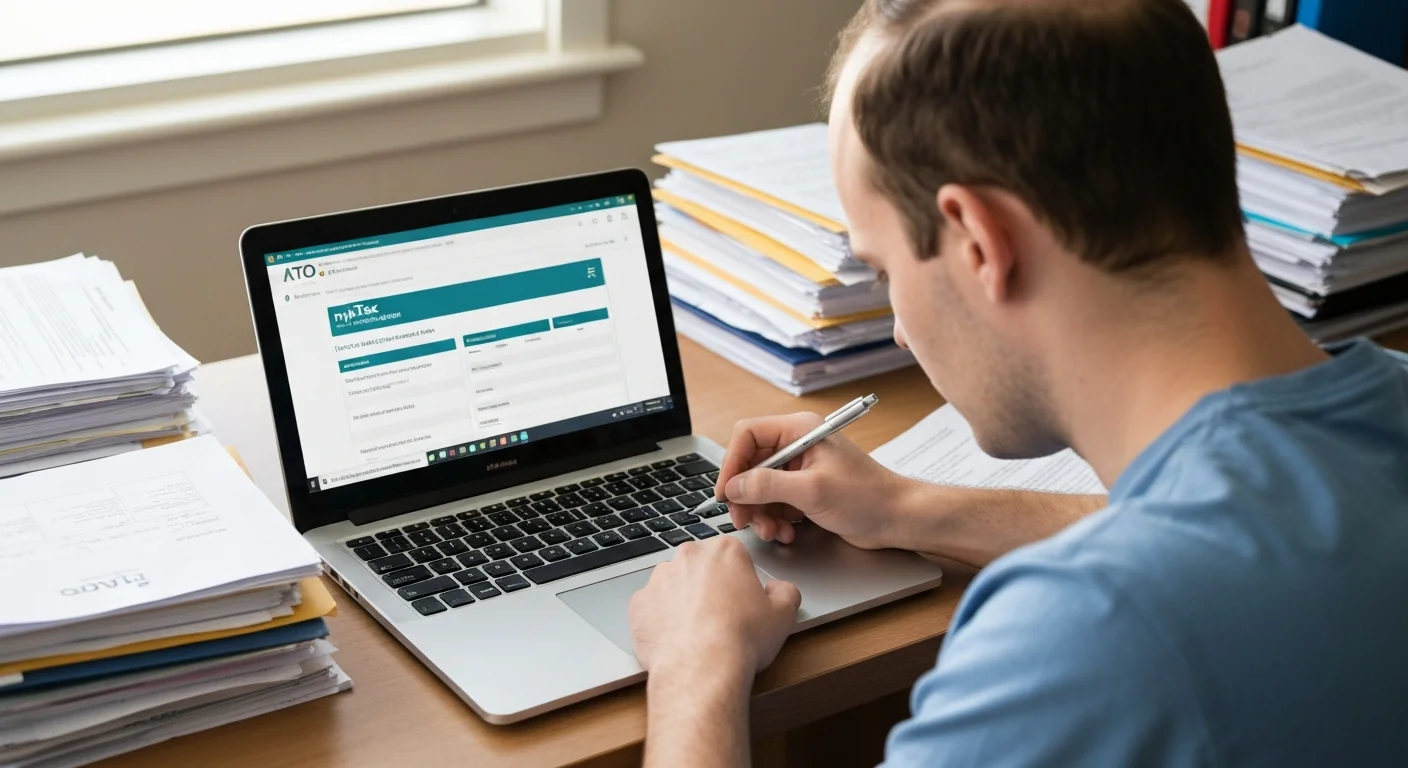
Lodging your first tax return in Australia might seem daunting, but it's actually quite straightforward. The ATO's myTax system pre-fills most of your information, and most people complete their return in under 30 minutes.
Good News for First-Timers
- • myTax is free - no need to pay for software
- • Most information is pre-filled automatically
- • Most people get a refund
- • Average time: 20-30 minutes
Table of Contents
Do I Need to Lodge a Tax Return?
You must lodge a tax return if:
- You earned more than $18,200 during the financial year (1 July - 30 June)
- Tax was withheld from your pay (even if you earned less than $18,200)
- You received government payments (Centrelink)
- You had foreign income
- You made capital gains (sold shares, property, etc.)
Should You Lodge Even If Not Required?
If you earned less than $18,200 but had tax withheld from your pay, you should still lodge. You'll likely get a full refund of all tax paid since you're under the tax-free threshold.
When to Lodge
| Situation | Deadline |
|---|---|
| Lodging yourself (myTax) | 31 October |
| Using a tax agent (registered before 31 Oct) | Various - up to 15 May |
| If you owed money last year | Earlier dates may apply |
Best Time to Lodge
Wait Until Mid-August
While you can lodge from 1 July, it's better to wait until mid-to-late August. By then, most employers and banks have reported your income to the ATO, so your return will be pre-filled accurately.
What You'll Need
Essential Documents
Income Information
- + Income statements (from all employers)
- + Bank interest statements
- + Dividend statements
- + Government payments summary
- + Any other income sources
Deduction Records
- + Work-related expense receipts
- + Car/travel logbook
- + Home office expenses
- + Work uniforms/equipment
- + Professional membership fees
Account Details Needed
- Tax File Number (TFN)
- myGov account - linked to ATO
- Bank account details - for refund payment
- Private health insurance details - if applicable
Setting Up myGov & myTax
Step 1: Create myGov Account
- 1. Go to my.gov.au
- 2. Click "Create account"
- 3. Enter your email and create a password
- 4. Verify your email
- 5. Set up security questions
- 6. Your myGov account is ready
Step 2: Link to ATO
- 1. Log into myGov
- 2. Click "Link a service"
- 3. Select "Australian Taxation Office"
- 4. You'll need to verify your identity using one of these:
- • Notice of Assessment from previous year
- • Super account details
- • Bank account with your name
- • Centrelink details
- 5. Once verified, ATO is linked to your myGov
First-Timer Tip
If this is your very first tax return and you've never had an ATO record, you may need to call the ATO on 13 28 61 to get a linking code. Have your TFN and ID documents ready.
Step-by-Step myTax Guide
Accessing myTax
- Log into myGov
- Click on "ATO" under linked services
- Select "Tax" from the menu
- Click "Lodge tax return"
- Select the financial year
Part 1: Personal Details
Check and confirm:
- Your name and date of birth
- Your address
- Contact details
- Your residency status (most are "Australian resident")
Part 2: Income
This section will be pre-filled with your:
- Salary and wages - from all employers
- Bank interest - from all banks
- Dividends - from any shares
- Government payments - Centrelink, JobSeeker, etc.
Your Job: Check the Pre-Fill
Compare the pre-filled amounts with your payslips and statements. If something's missing or wrong, you can edit it manually. Most of the time, the pre-fill is accurate.
Part 3: Deductions
This is where you claim expenses to reduce your taxable income. Common deductions include:
- Work-related car expenses
- Work-related travel expenses
- Work uniform and laundry
- Working from home expenses
- Self-education expenses
- Tools and equipment
- Union fees and professional memberships
Part 4: Tax Offsets
You may be eligible for tax offsets (credits that reduce your tax):
- Low income tax offset - automatic if eligible
- Private health insurance rebate - if you have private health
- Senior Australians tax offset - if applicable
Part 5: Review and Submit
- Review your estimated refund/tax payable
- Check all information is correct
- Enter your bank account details for refund
- Submit your return
- You'll receive a confirmation number
Common Deductions for First-Timers
Work-Related Expenses
| Deduction | Examples | Requirements |
|---|---|---|
| Uniforms | Work uniform, safety boots, protective gear | Must be required by employer |
| Laundry | Washing work uniforms | $1/load (no receipts needed under $150) |
| Tools | Equipment for work, laptop, tools | Must be used for work purposes |
| Car | Travel between work sites (not home to work) | Logbook or cents per km method |
| Phone/Internet | Work-related calls/data | Work percentage only |
Working From Home (Fixed Rate Method)
67 cents per hour
If you worked from home, you can claim 67 cents per hour. This covers electricity, phone, internet, and equipment depreciation. You need a record of hours worked from home.
Example: 400 hours WFH x $0.67 = $268 deduction
Important: You Need Records
For deductions over $300 (in any single category), you need receipts. The ATO can audit your return and ask for proof. Keep records for 5 years.
After Lodging Your Return
Processing Time
- Most returns: Processed within 2 weeks
- Some returns: May take up to 12 weeks if selected for review
- Refunds: Paid directly to your nominated bank account
Notice of Assessment
After processing, you'll receive a Notice of Assessment (NOA) in your myGov inbox. This shows:
- Your total taxable income
- Tax payable on that income
- Tax already paid (via PAYG)
- Your refund or amount owing
Keep Your NOA!
Your Notice of Assessment is important. You may need it to link services to myGov in the future, or for loan applications. Keep a copy.
Common Mistakes to Avoid
1. Claiming Personal Expenses
Travel from home to work, general clothing, food at work - these are NOT deductible. Only work-related expenses count.
2. No Receipts for Large Deductions
You need receipts for any deduction over $300 in a category. "I lost the receipts" won't help in an audit.
3. Lodging Before Pre-Fill is Ready
Lodging on 1 July means you'll need to manually enter everything. Wait until mid-August for complete pre-fill.
4. Forgetting Bank Interest
All bank interest is taxable, even small amounts. It's usually pre-filled, but check it's there.
5. Wrong Bank Details for Refund
Double-check your BSB and account number. A wrong digit means your refund goes to the wrong place.
Related Calculators & Resources
Income Tax Calculator
Estimate your tax refund or liability.
Tax Deductions Guide
Complete list of deductions you can claim.
PAYG Tax Explained
Understand how tax is withheld from your pay.
TFN Application Guide
How to get your Tax File Number.
Key Takeaways
- ✓ myTax is free and most returns take under 30 minutes
- ✓ Wait until mid-August for best pre-fill accuracy
- ✓ You must lodge by 31 October (unless using tax agent)
- ✓ Only claim work-related expenses - not personal costs
- ✓ Keep receipts for 5 years in case of audit
- ✓ Most first-timers get a refund - the tax you paid comes back!
Disclaimer: This guide provides general information about lodging your first tax return in Australia as of January 2025. Tax situations vary - if you have complex circumstances (investment properties, businesses, foreign income), consider using a registered tax agent. For official information, visit the Australian Taxation Office website.